





Merchant Portal

Take control of your business in one clean dashboard. Track payments, manage transactions, and grow with the Paykit Merchant Portal.

Paykit Anonymous

The best surprises are the ones they never see coming. Gift, support, or uplift someone anonymously with Paykit Anonymous

Lipa Bidhaa

Lipa Bidhaa lets you buy effortlessly, clear utilities in seconds, and set standing orders that keep everything running.

Crowdfunding

Paykit Crowdfunding makes raising money simple, fast, and open to everyone

Trusted By
Roamtech
Senti
Afrisend
Paykit
Emalify
Veriff
Roamtech
Senti
Afrisend

One Platform. Every Payment. Total Control.

PayKit is a unified payments and financial infrastructure platform that enables individuals, businesses, and enterprises to collect payments, manage funds, and make payouts seamlessly across mobile money, bank, and wallet systems.

Smiling Woman
Person with headphones

Built for Every Player in the Economy

PayKit powers payments for everyone from SMEs to enterprises and financial institutions with a flexible platform that supports corporates, marketplaces, SACCOs, developers, and individual users.


Who is it for

Traders
MSMEs
Corporates
Saccos
Startups
individuals

Why choose
Paykit

Paykit brings everything into one secure platform—saving you time, reducing hassle, and giving you complete convenience at your fingertips.

$

Real-Time Fund Movement

Move money instantly across mobile money, banks, and internal systems ensuring faster transactions without delays.


Reduced Operational Complexity

Simplify payment processes by consolidating multiple systems into one unified platform, eliminating manual work and reducing errors.

Complete Transaction Visibility

Gain full, real-time insight into every transaction through a centralized dashboard enabling better tracking.


Built to Scale with Your Business

Handle growing transaction volumes seamlessly with infrastructure designed to support businesses from startup to enterprise level.

Paykit for
merchants

From collections to settlements, the PayKit Merchant Portal gives you complete visibility and control over your business finances in real time.

CBK regulated
Secure Infrastructure
Real-Time Movement
Built for Scale
organization

What our Customers say

Paykit continues to make financial management easier for individuals and businesses alike. Hear directly from our users as they share their experiences, success stories, and the convenience of using Paykit every day.

from 20,000+ Customers

Pay smart, Pay easy
with the Paykit App

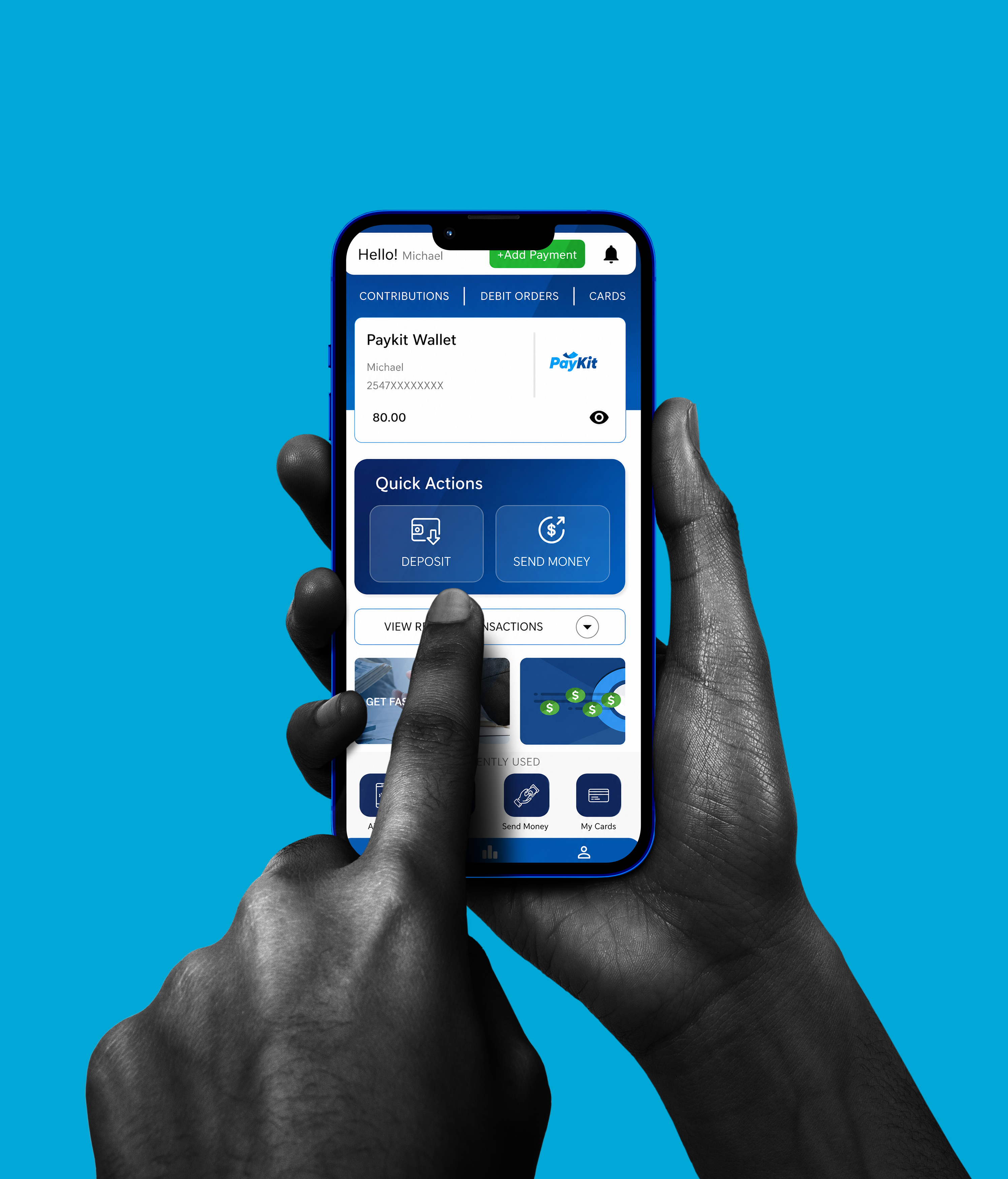
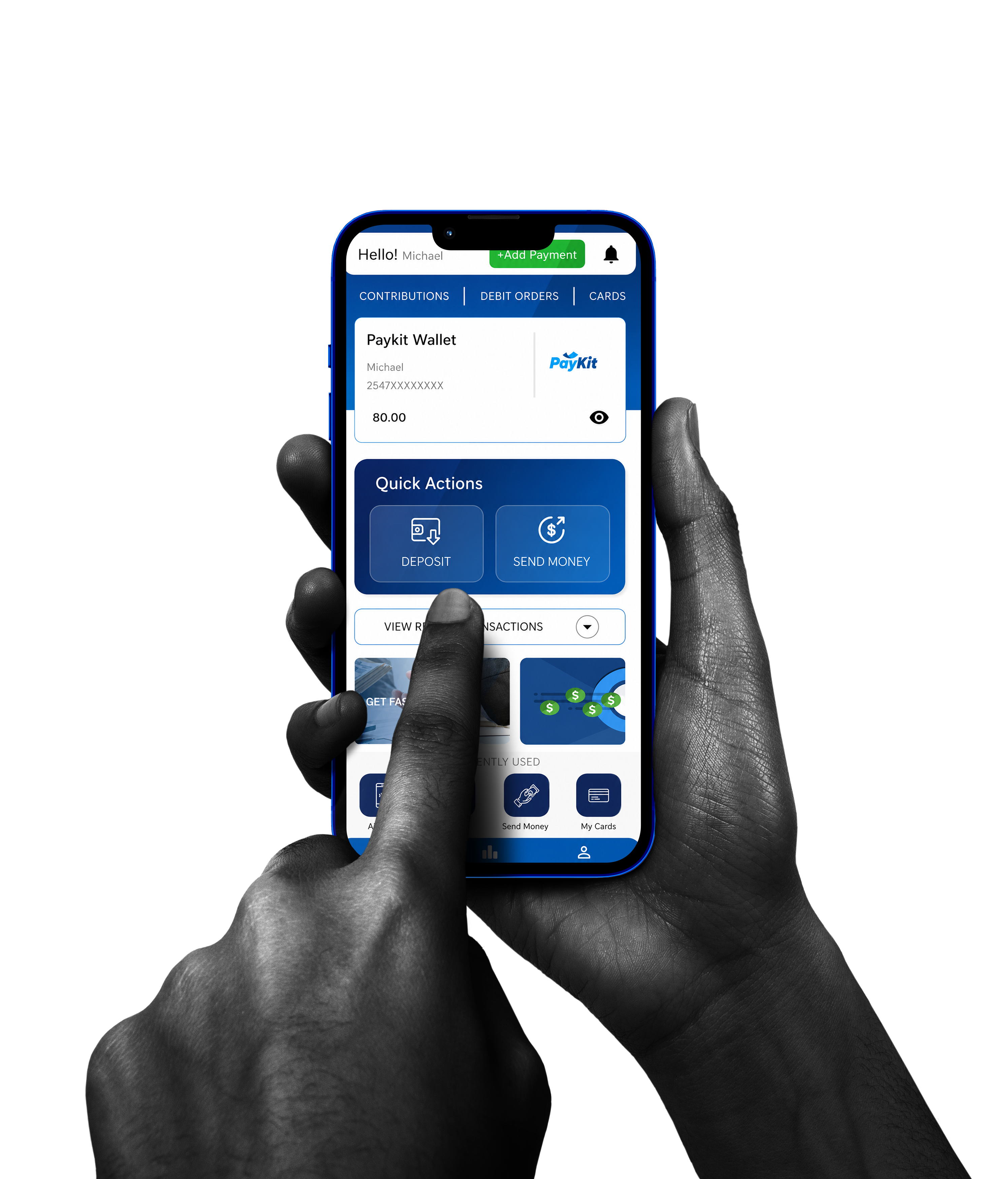
App Interface on Phone
| 20,000+ downloads

Blogs

view all

Frequently Asked Questions

To create a Paykit account, you need to verify your phone number and provide basic KYC details. This includes: Full name, Date of birth, National ID number and Occupation.

After submission, your details are verified through a KYC process to confirm identity accuracy. If there is a mismatch: You will be prompted to correct and resubmit your information You are allowed up to three (3) resubmission attempts.

If you exhaust all three KYC attempts without successful verification: Your application is escalated to support You will be required to contact the support team via +254748740801 or support@paykit.africa The support channels will guide you on next steps and resolution

The Paykit app supports multiple financial actions: Deposit funds into your wallet via M-Pesa STK push, Send money to other Paykit users (P2P transfers), Send Money to Paykit users anonymously, Send money to M-Pesa users, Withdraw funds to bank accounts via PesaLink ,Purchase airtime directly within the app and Schedule recurring payments (daily, weekly, or monthly).

Yes. Paykit supports PIN-based authentication for login as an alternative to OTP, improving speed and reliability.

Merchants can onboard through two channels: Field agents, who collect onboarding information in person Support channels (email / social media), where merchants submit their registration details Once submitted, onboarding follows a KYC-based approval process.

Once your documents are submitted: The compliance team reviews and verifies all KYC information Verification is done against official registration records and identity checks If anything is missing or unclear, the support team will contact you for additional documents Approval typically takes up to 24 hours.

After successful approval: A merchant account is created You receive a welcome email The email contains a login link to access your merchant portal You will be prompted to set your password before first login Important: The welcome link expires after 48 hours If it expires, you can request a new welcome email from the platform or support

The merchant portal includes the following modules: Dashboard Overview of balance Summary of money in vs money out Transactions View all transaction history Filter by date range and transaction type Funds Transfer Move funds out of your wallet Lipa Bidhaa (Payments) Make payments to Safaricom Paybills and Tills as well as Paykit merchants using your wallet balance User Management Add new users to your merchant account Assign roles and permissions

Merchants can withdraw funds through multiple channels: M-Pesa Bank transfer PayKit wallet Withdrawals are initiated from the Funds Transfer section in the portal.